Organize
History & groups
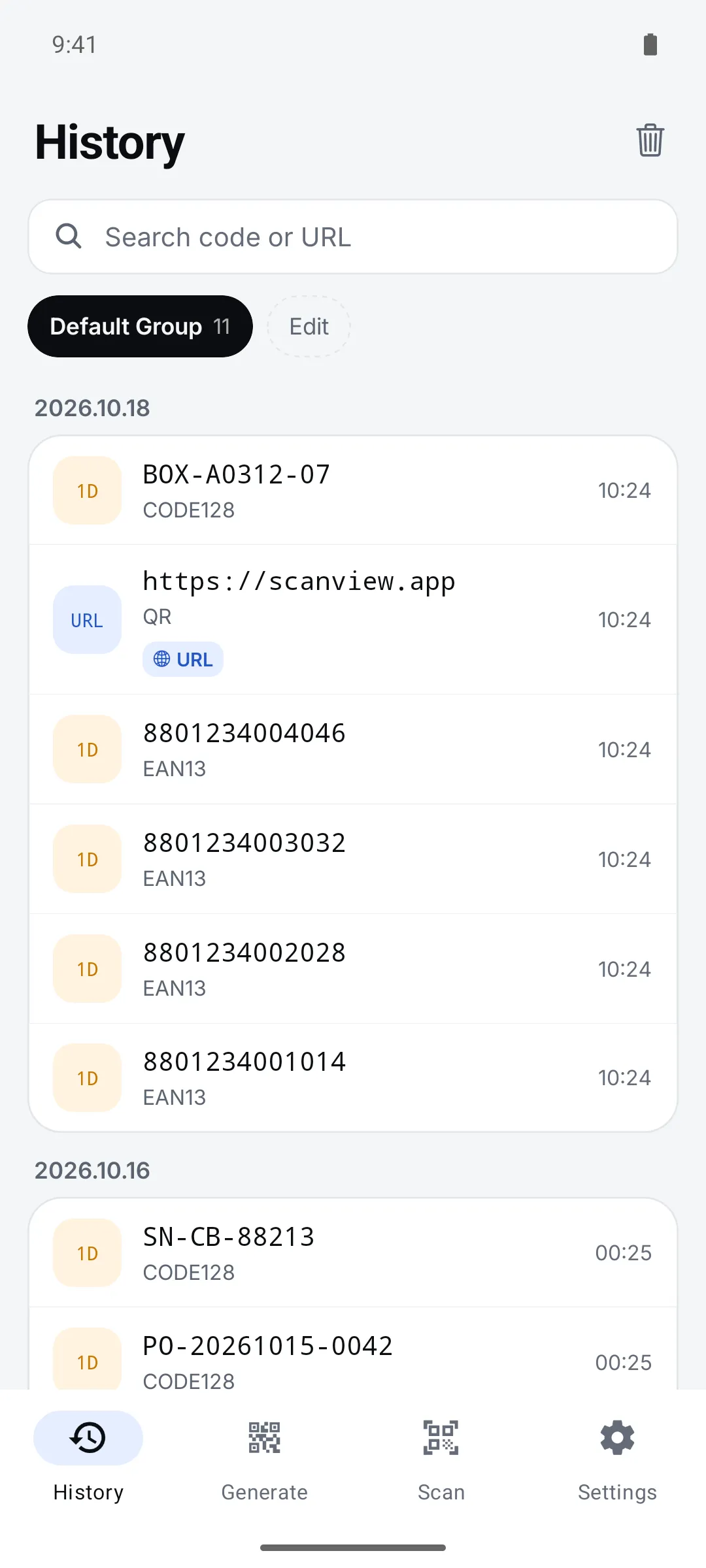
Split groups by site or by day so scans never get mixed up. Pick a group at the top of the scan screen and scans go into it.
How to use it
Pick a group on the History tab
Tap a group chip at the top to see only that group.
Search by code or URL
Use the search box when you have lots of scans.
Manage groups under Edit
Add, rename, and long-press to reorder groups.
Settings
| Setting | Options · default |
|---|---|
| Auto-split labels | On (default) / Off — splits codes separated by | ; , or tab into fields |
Good to know
- History is stored on this device only. Use backup when you switch phones.
- You can undo a swipe-to-delete right away.
- “Default Group” can’t be deleted or renamed.