Scan
Scan from a photo
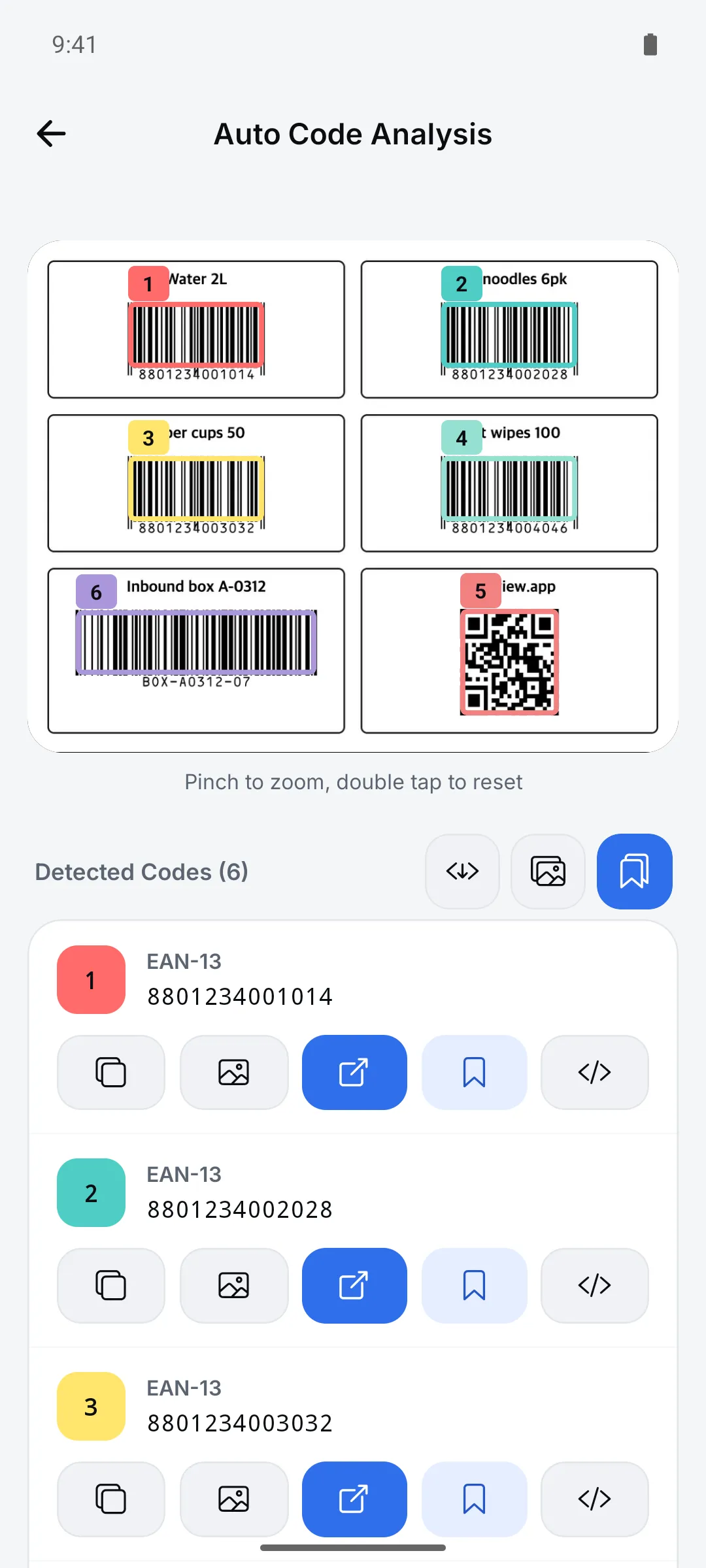
Read codes in photos or screenshots you’ve received. If a photo has several codes, the app finds all of them.
How to use it
Tap the photo button at the top right of the scan screen
Pick one photo from your gallery.
Check the recognized codes
If a small code is missed, zoom in and tap “Analyze Area” to analyze just that part again.
Save to history
Tap “Save to history” or “Save All to History”. You can also save the analyzed image or download JSON.
Good to know
- You can pick one photo at a time.
- Analysis stops if a photo takes longer than 15 seconds.
- Gallery permission is required.