Scan
Scan area & code types
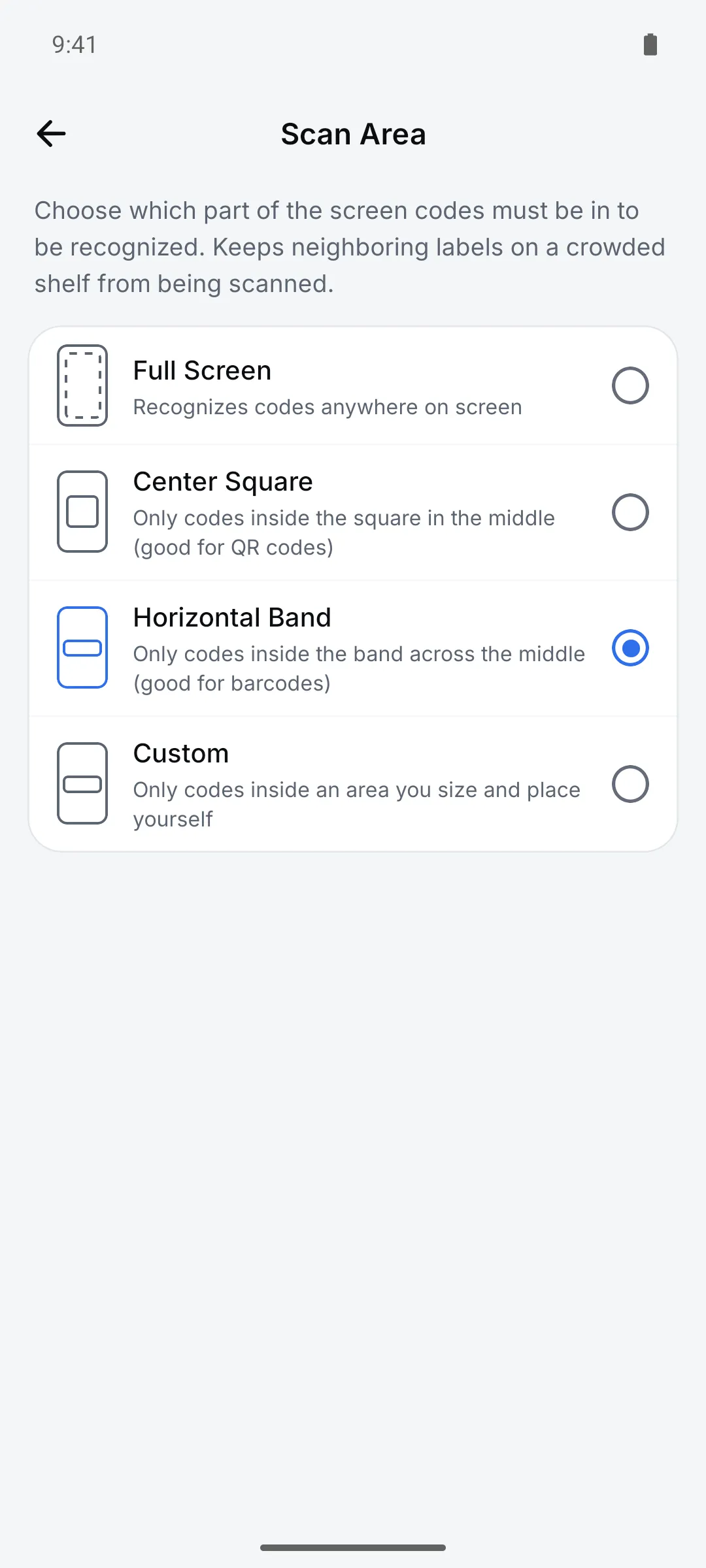
On a crowded shelf the wrong label often gets scanned first. Narrowing the scan area and code types cuts down on misreads.
How to use it
Open Settings > Scanning > “Scan Area”
Choose Full Screen, Center Square, Horizontal Band or Custom.
For Custom, adjust the box under “Edit”
Drag to size and place it, or type numbers. Quick buttons like Center and Square help.
Turn off unused types in “Barcode types”
Keep only the ones you need out of 13.
Settings
| Setting | Options · default |
|---|---|
| Scan Area | Full Screen (default) / Center Square / Horizontal Band / Custom |
| Barcode types | QR Code, EAN-13, EAN-8, Code 128, Code 39, Code 93, UPC-E, UPC-A, PDF417, Aztec, Data Matrix, ITF-14, Codabar (default: all) |
Good to know
- QR Code always stays on, so you can’t turn off every type.