Security
App lock
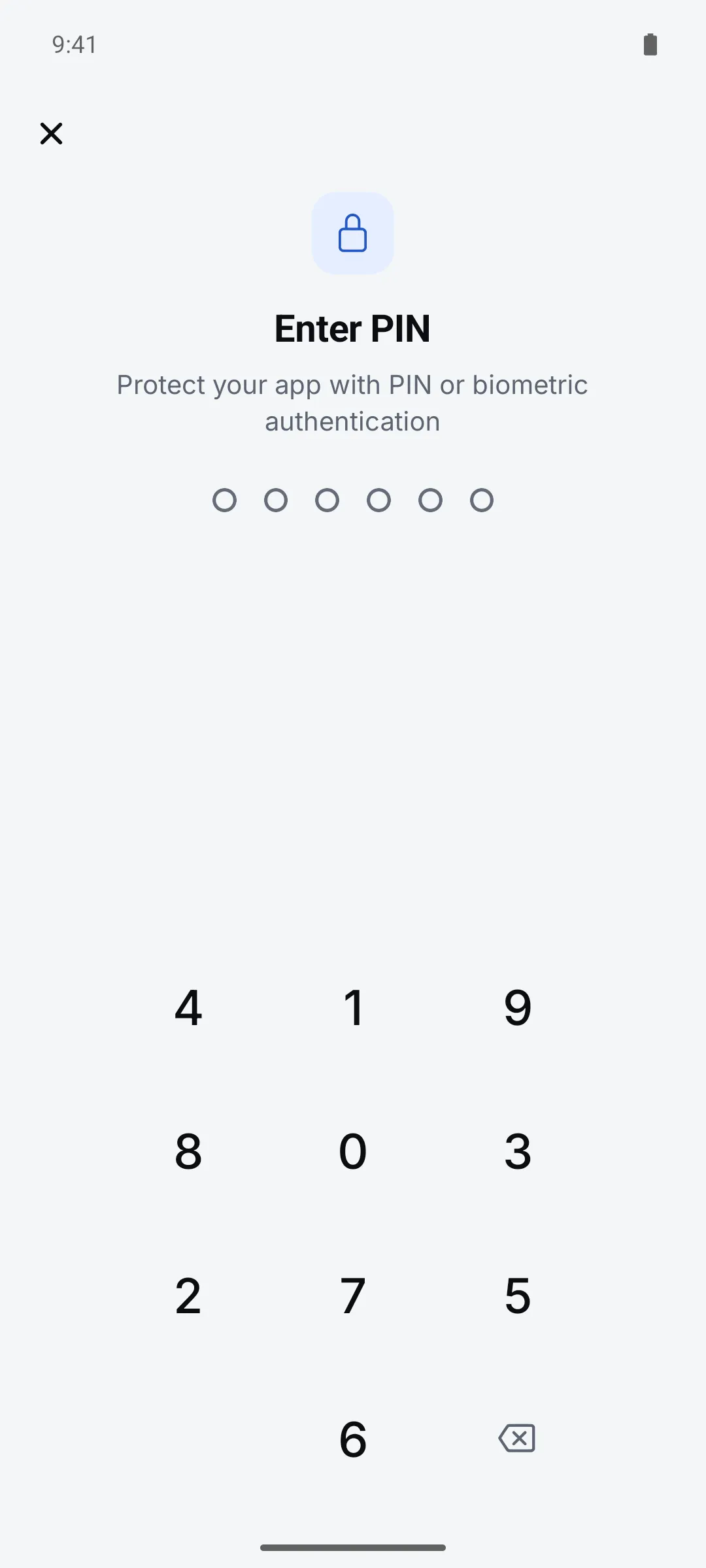
On a shared work phone, lock the app. You’ll unlock it each time you come back to the app.
How to use it
Open Settings > General > “App lock”
Tap “Set Up App Lock” and enter a 6-digit PIN twice
Turn on biometrics
Face ID or Touch ID on iPhone, face or fingerprint unlock on Android.
Settings
| Setting | Options · default |
|---|---|
| PIN | 6 digits |
| Use biometrics | On / Off |
Good to know
- The PIN is stored only in this device’s secure storage and isn’t included in backups.